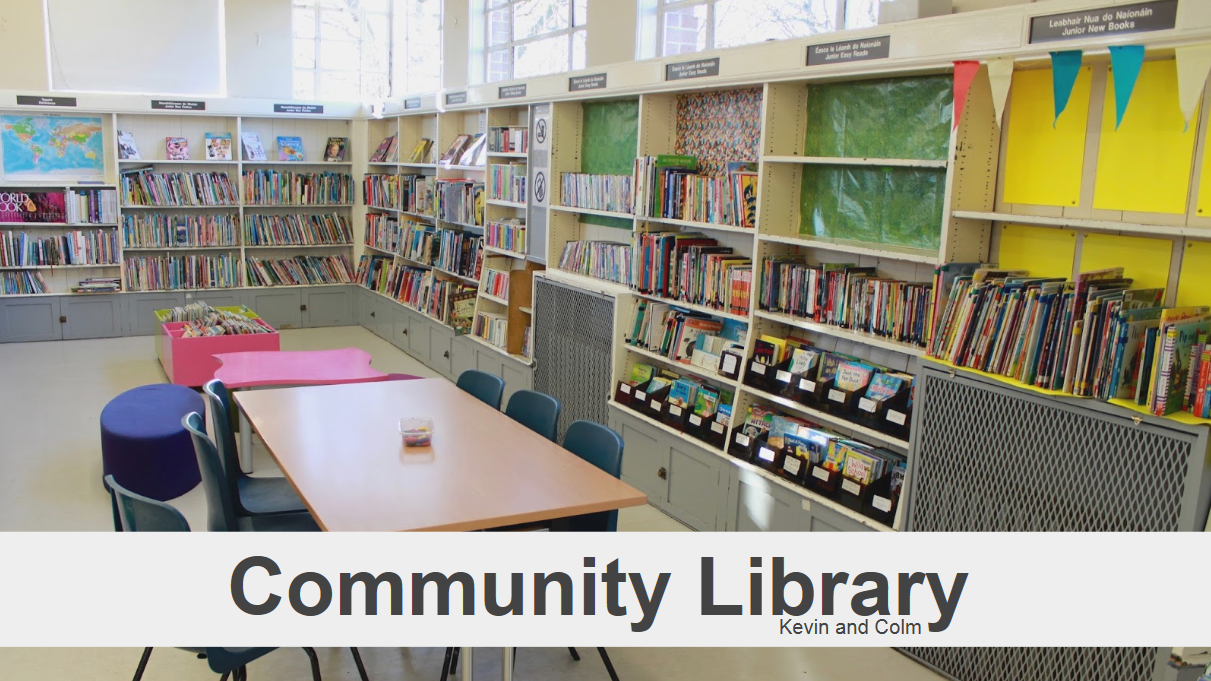
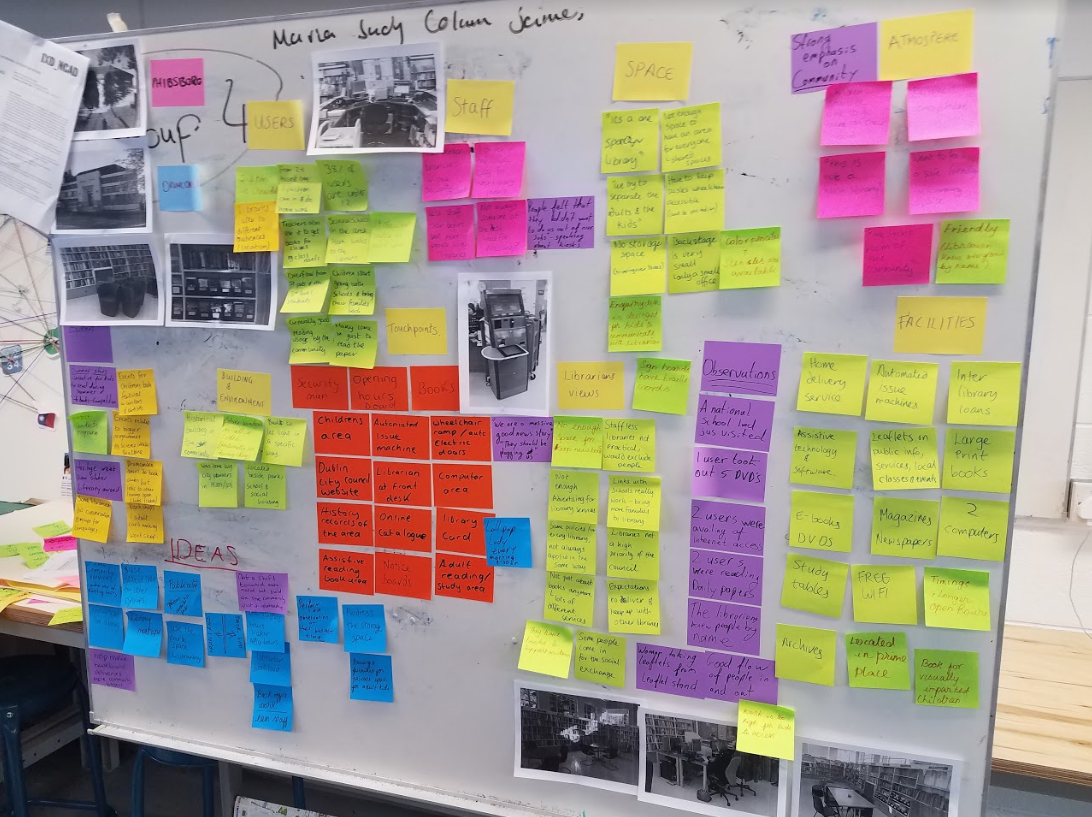
After the Christmas break our team came back and decided to brainstorm a fresh solution to the problems faced by the library we researched. We decided from the feedback we received after our first presentation that simplicity was key. We also decided to incorporate not only touchpoints that could be physically interacted with, but also some that couldn’t: signage.
Scaling back a bit from our all-encompassing solutions suggested in our first presentation, we highlighted the most pertinent problems faced by the library and work towards solving, or at least minimizing the impact of these.
After much discussion and various suggestions and prototypes, we decided that the two key things to focus on are:
- Alleviating some of the strain on the overworked librarian and
- Helping to foster the already solid community spirit
We asked ourselves ‘what solution could address both of these issues?’ and kept coming back to the idea of a way to give more responsibility to the loyal members of the library so that they could self-organize. This would take some of the strain off the librarian and in doing so, further develop a ‘this is our library’ sentiment among members.
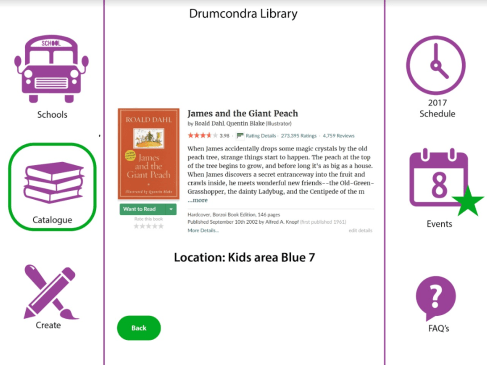
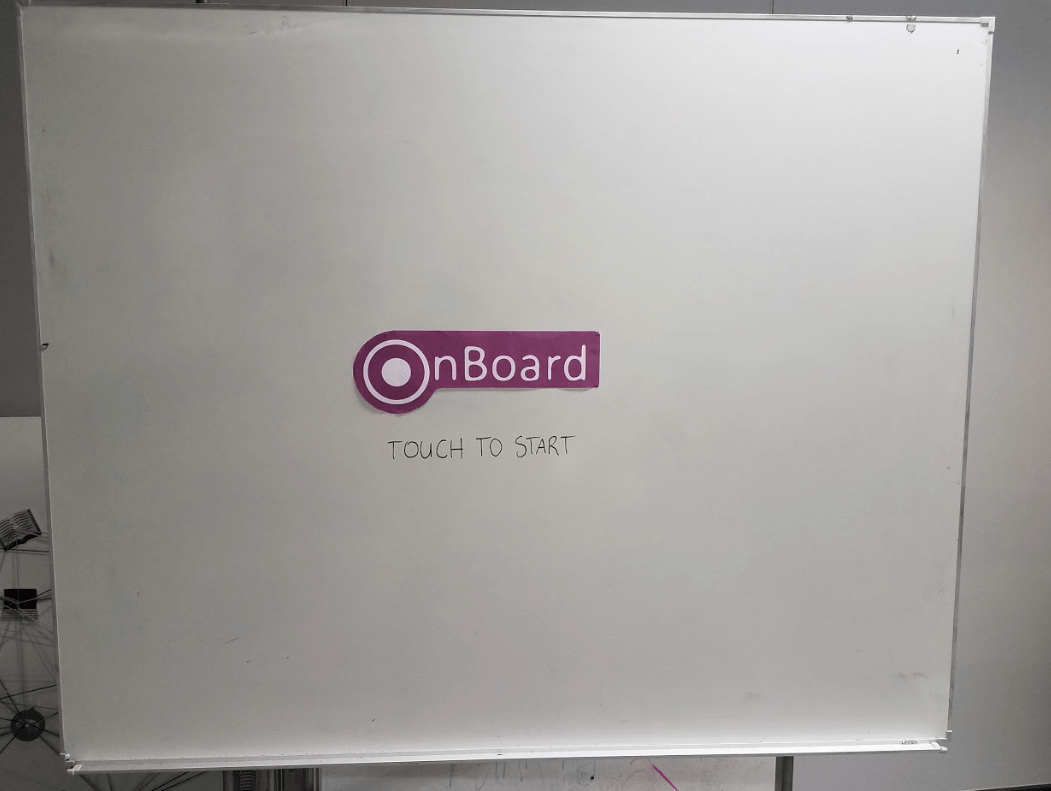
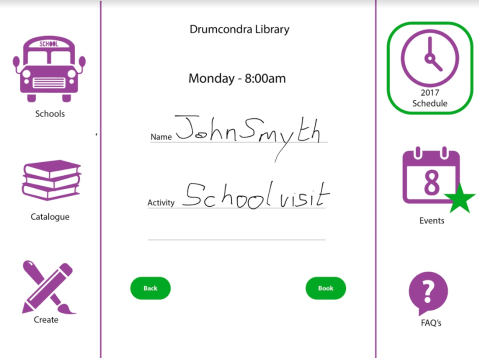
We liked the idea of a ’round-table’ approach, a focal point around which members could gather to interact, share, and organize themselves. Unsurprisingly, given how much we use them in class, we thought the simplistic idea of a whiteboard was a good basis. From this, we decided that an interactive white board that incorporated the best aspects of our previous app/kiosk/PA idea was the way to go. With this device (called ‘OnBoard’) members could find answers to questions, search for and order books, create and view events, and watch educational material. All of these served to alleviate the stress placed on the busy librarian, giving him/her time to do what he/she does best: delighting library members.
Here are some the OnBoard’s key features:
- It’s mobile – it doesn’t take up much of the already limited space and can be moved around to suit the needs of the members/librarians
- It’s easy to implement – One simple but effective device that addresses the most pressing issues of managing the library
- It’s a hub within the hub – Members can gather to use OnBoard together and organize events, make presentations, create art, and self-organize
- It frees up the librarian’s time by allowing users to search for and order books, answer their own questions, and schedule events and visits, all without having to bother the librarian.
We also were tasked with making a video to showcase our process, no mean feat considering that we had only started developing the OnBoard idea with 3 days to spare before the deadline. Given how busy we were during these 3 days, as long as we remember to turn on the camera to record all the things we needed to do, we were confident we’d have plenty of footage to work with in the end.
Our next challenge was trying to bend Adobe Premier to our will. Neither of us had any experience in using it and we worked late into the evening of the final day to cut the video together and find appropriate music to go with it.
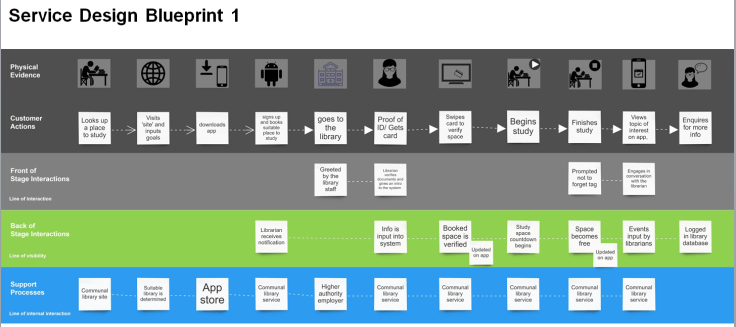
All in all, the Total Experience Design project has taught me a lot. Time constraints meant that I couldn’t delve into Service Design as deeply as I would have liked, but even skimming the surface gave me a sense of the complexity of the discipline and the value that mastering the various service design skills can provide to a student who’ll soon be emerging into the jobs market.

 Service Design